This article reflects updates to Davis Advantage for all RN-level titles that include Davis Advantage.
PAIGE is a smart, friendly AI tutor designed to support your learning, and offers 24/7 learning support within Davis Advantage. If your instructor has enabled PAIGE within your class on Davis Advantage, you will see a chat box on the bottom right of your screen.
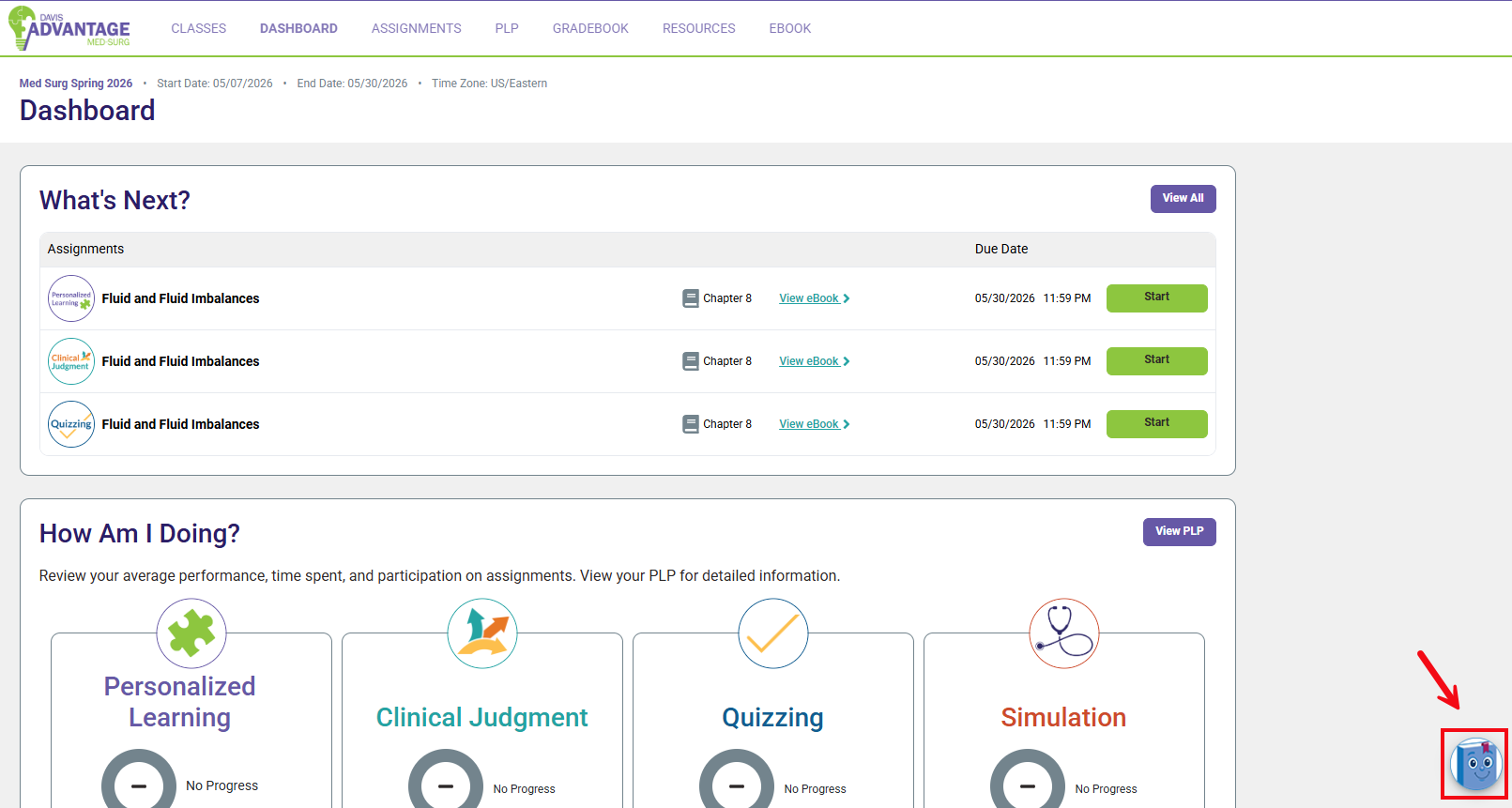
PAIGE has two modes: Learn Mode and Coach Mode.
Learn Mode
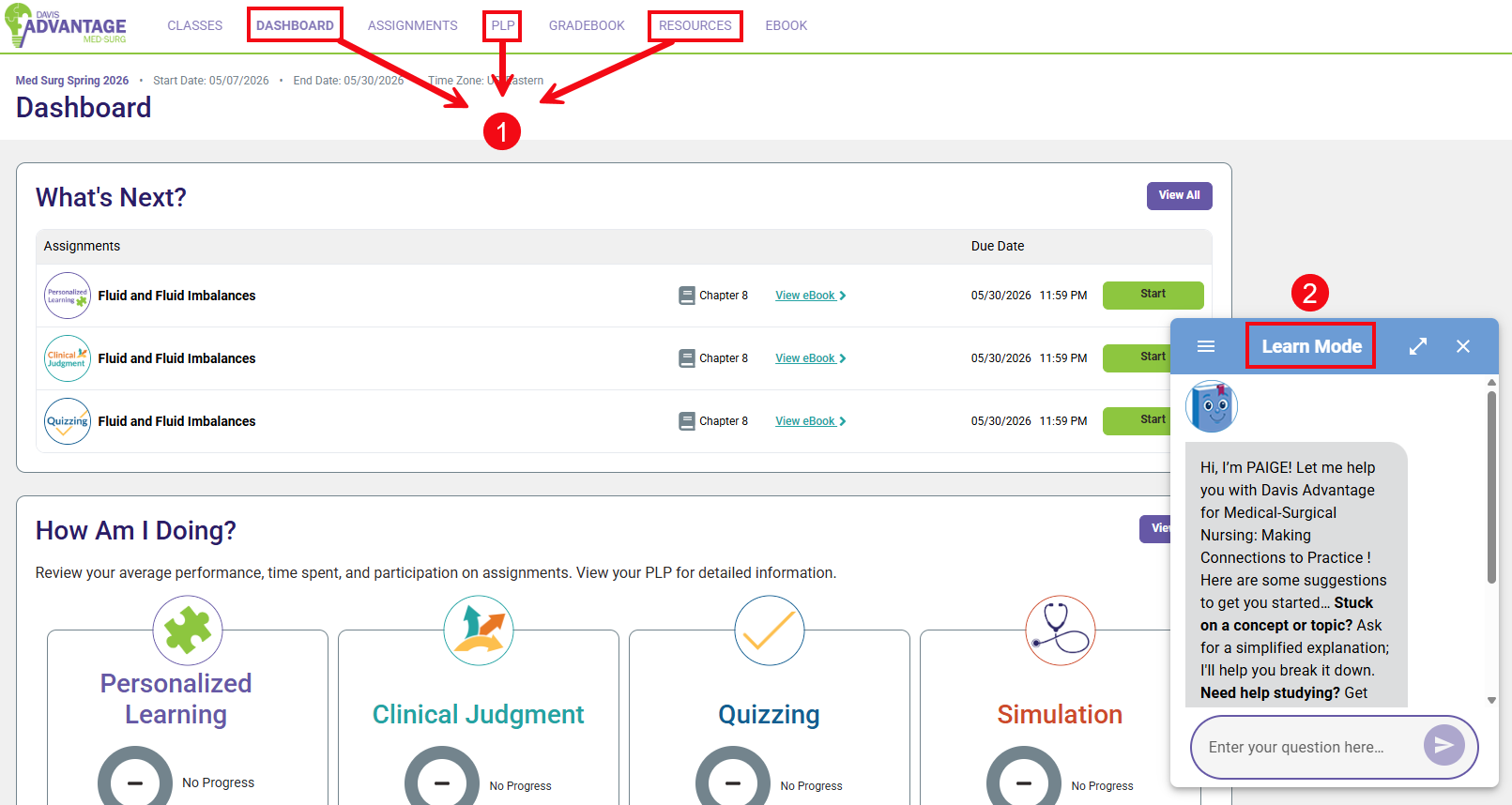
You can access Learn mode from any non-assignment page (Dashboard, PLP, Resources) as well as Personalized Learning overview pages and video pages (1). Learn mode helps you to understand and study course content (2). You can ask PAIGE questions about course materials or to break down complex concepts step-by-step.
PAIGE can summarize chapters and key topics.
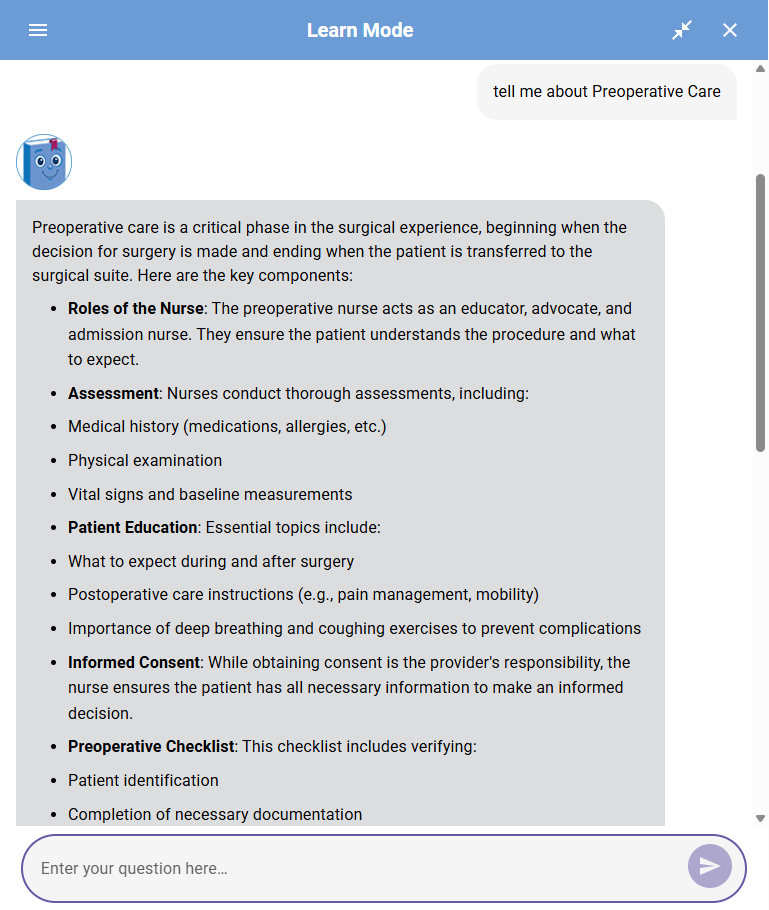
Ask PAIGE to generate a study guide or create a practice quiz for you.
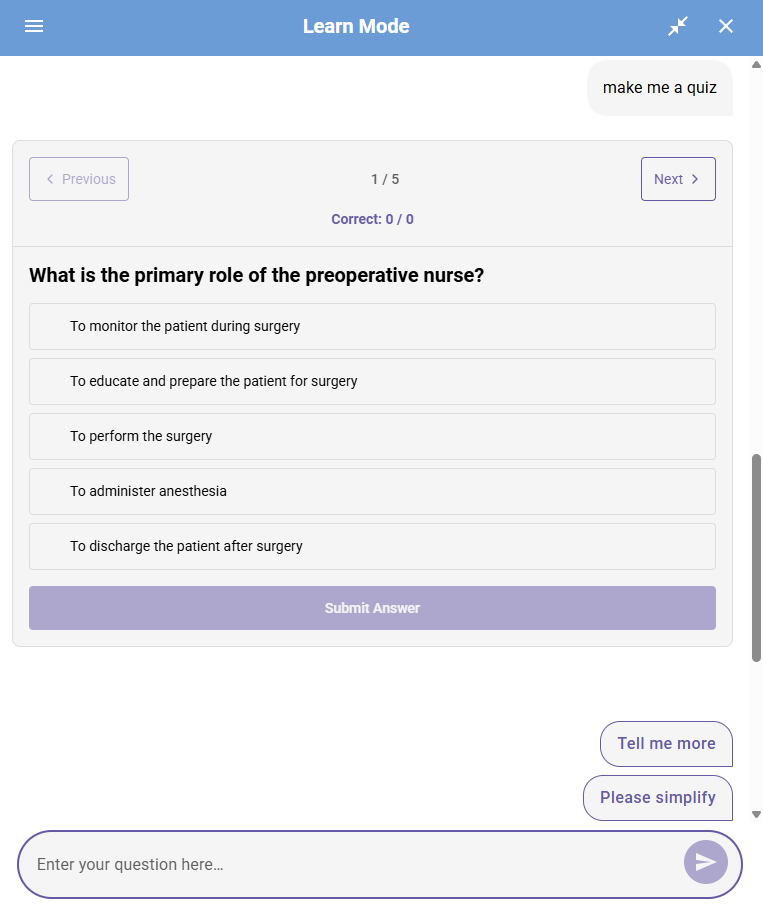
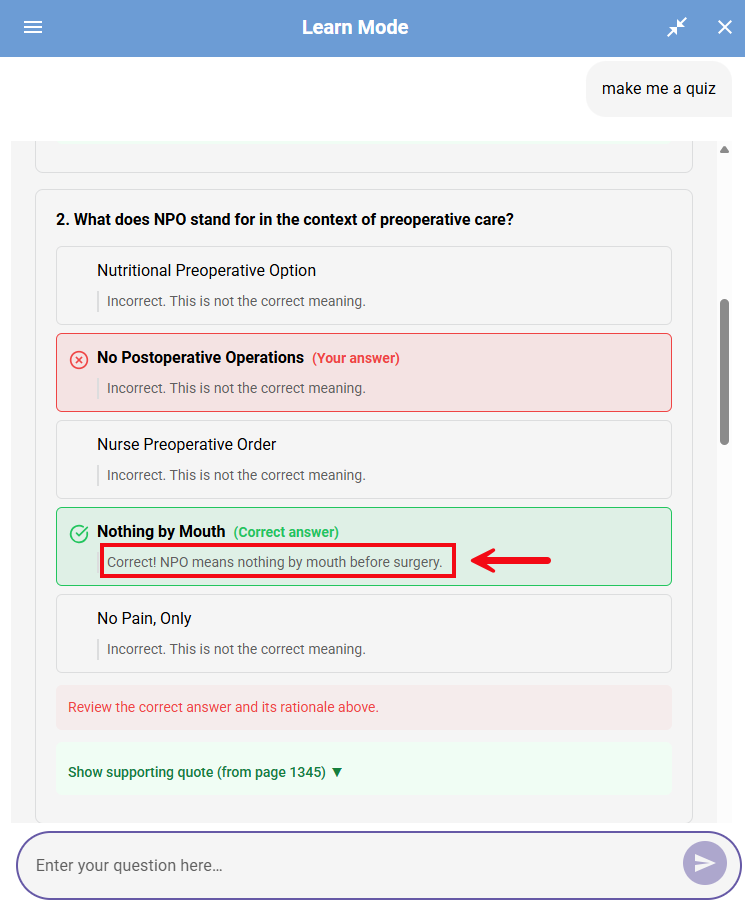
Practice quizzes provide immediate feedback, with rationales for each option.
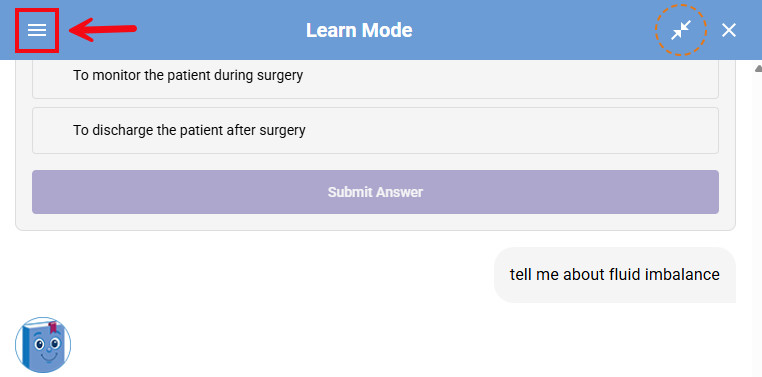
You can also save chat threads to revisit for study and review. To access past chats, click the three lines in the upper left corner of PAIGE.
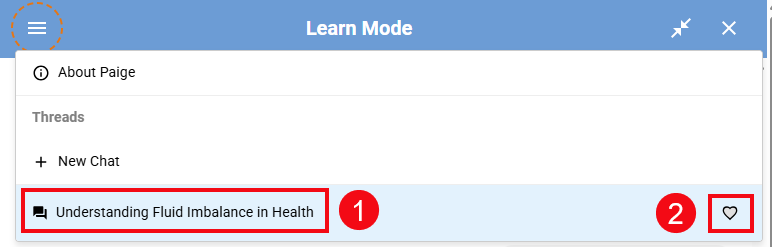
A list of past chats with PAIGE will be shown (1). You can favorite a chat by clicking the heart icon to the right of the chat name (2).
Coach Mode
Coach mode is accessible within Personalized Learning activities and Clinical Judgment assignments. PAIGE can strengthen your reasoning and clinical judgment by helping you to reach answers independently.
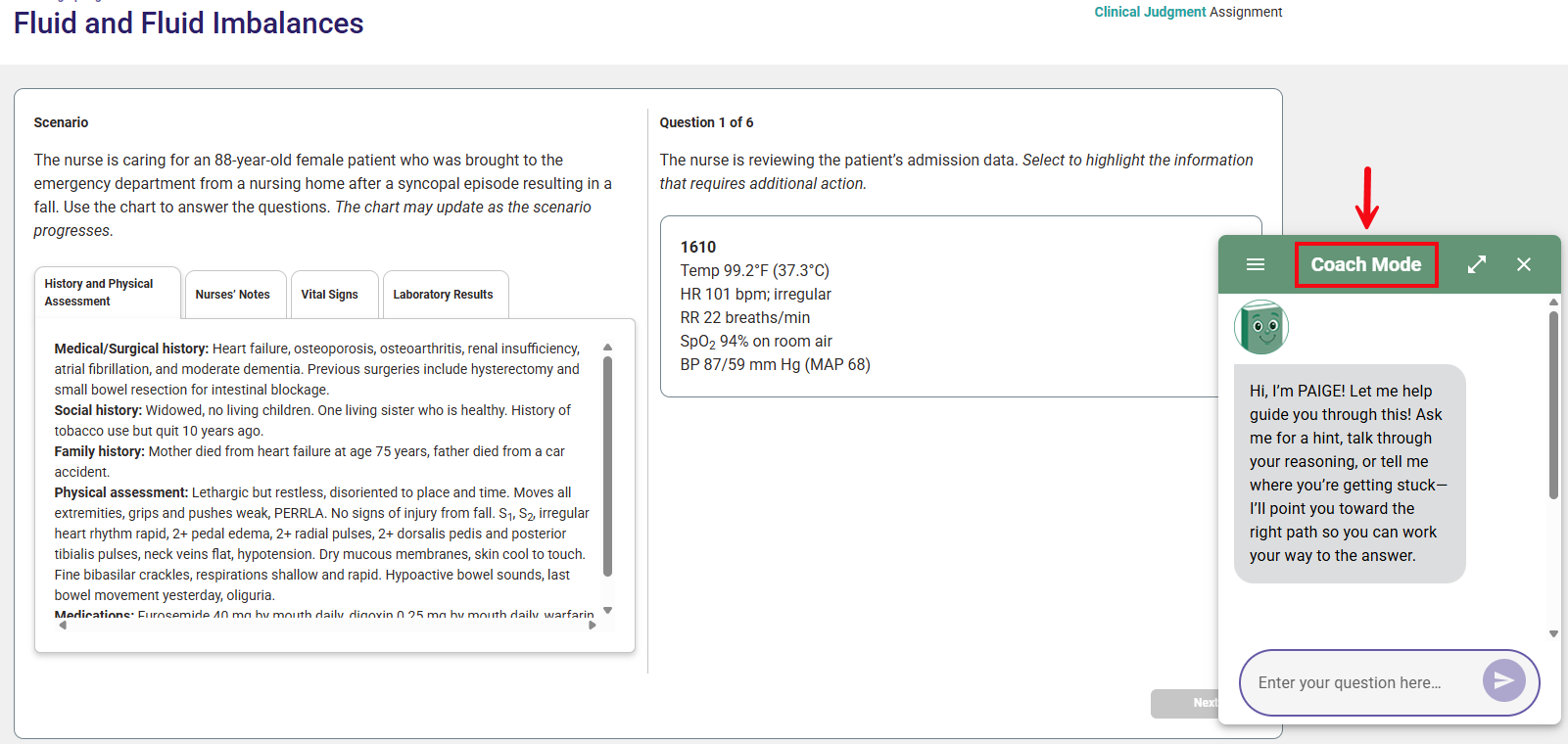
PAIGE can highlight key information in questions and prompt you with guiding questions.
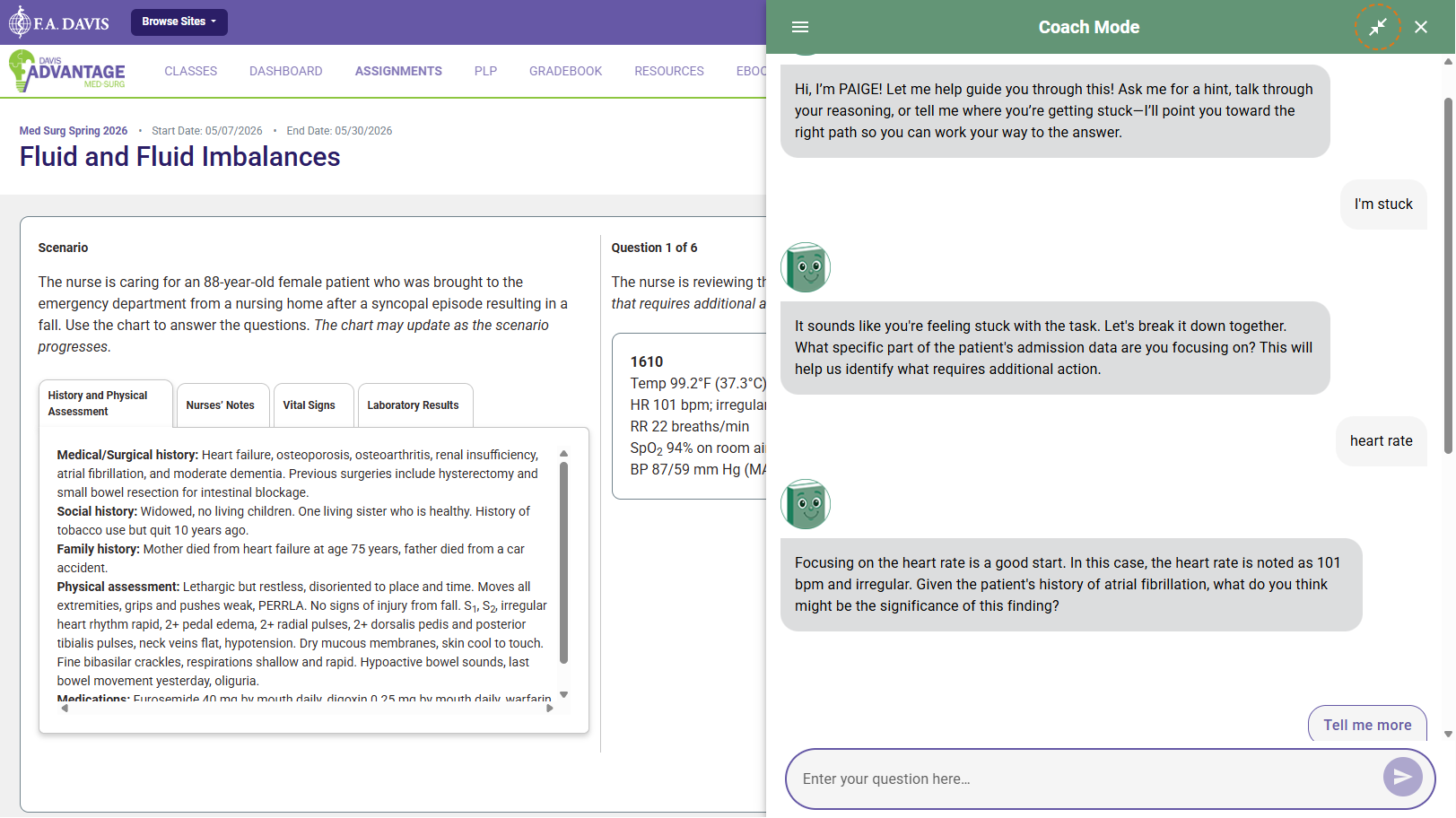
PAIGE during assessments
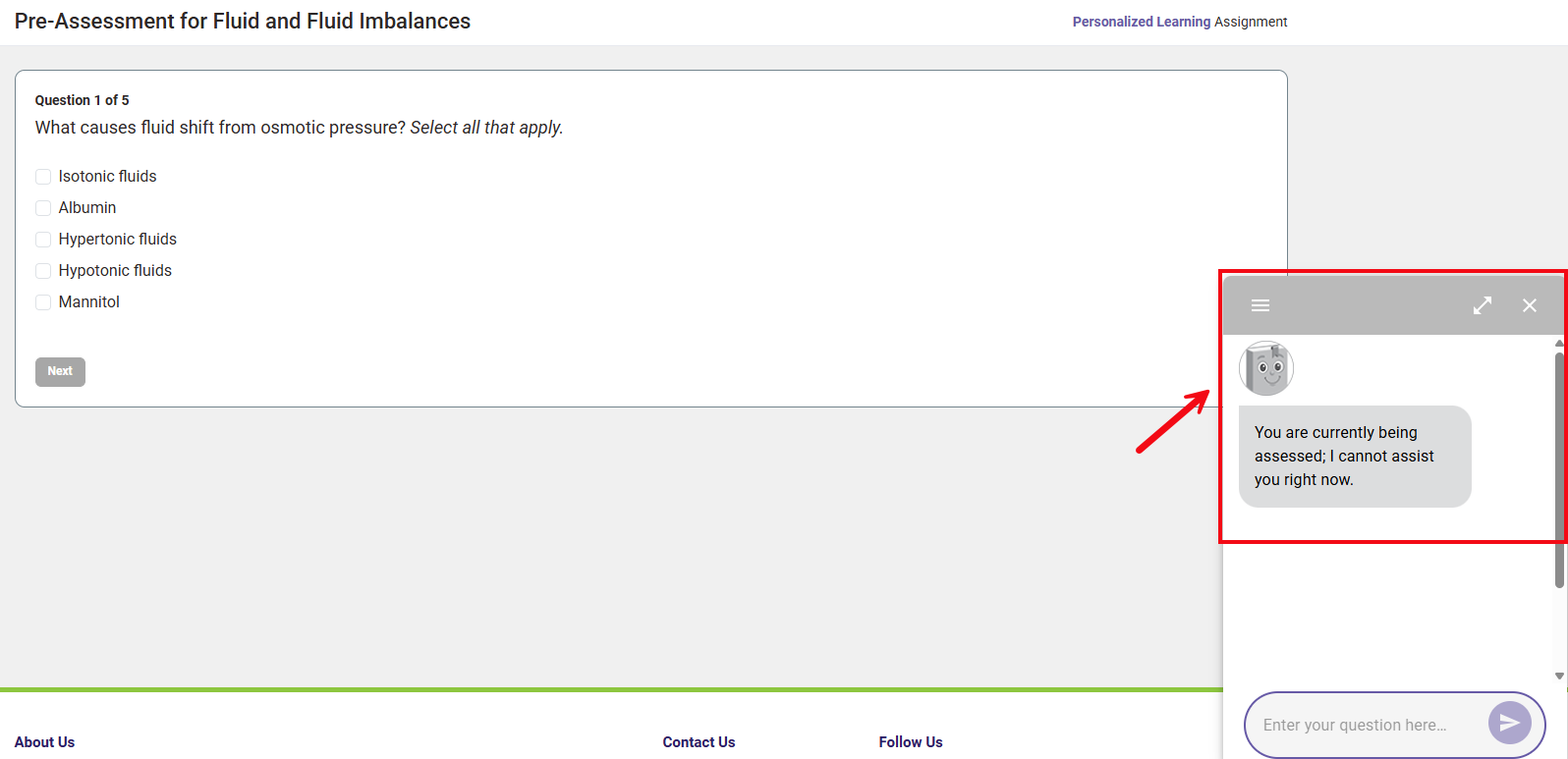
PAIGE is not available within Personalized Learning Pre and Post Assessments, Simulation assignments, and Quizzing assignments.